Technology_
LOCKED OUT OF EMAIL_
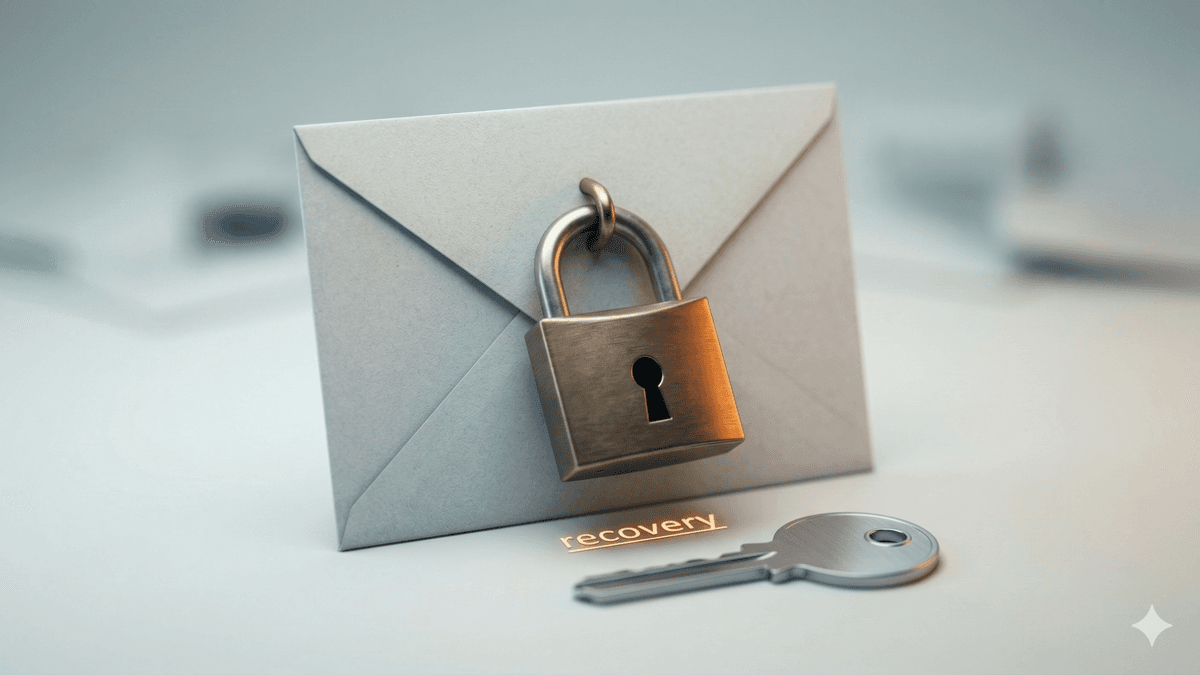
What to do in the first 30 minutes when you’re locked out — secure the account, check for compromise, protect the rest.
> what to do in the first 30 minutes
If you get locked out of email, don't panic — but don't "try random fixes" either.
The first 30 minutes matters because the goal is:
1. stop the damage
2. regain access
3. prevent it from happening again
---
MINUTE 0–5_
CHECK WHAT KIND OF LOCKOUT THIS IS_
• wrong password?
• MFA issue?
• account disabled?
• suspicious activity alert?
• "admin required" message?
Do not keep retrying passwords.
Too many attempts can trigger longer lockouts.
---
MINUTE 5–10_
SECURE THE ACCOUNT_
If you can still get in anywhere (phone app, another device):
• change password immediately
• confirm MFA is enabled
• remove unknown devices/sessions
• check forwarding rules (attackers love this)
• check inbox rules (auto-delete / auto-archive scams)
If you cannot get in:
• try the official recovery flow
• contact your admin (Google Workspace / Microsoft 365)
---
MINUTE 10–20_
CHECK FOR COMPROMISE_
If you suspect hacking, check:
• "Sent" folder (messages you didn't send)
• forwarding addresses you don't recognize
• new mailbox rules
• new admin accounts (if you're in 365/Workspace)
If you see any of that, treat it as a compromise.
---
MINUTE 20–30_
PROTECT THE REST OF YOUR SYSTEM_
• change the password on any linked accounts (banking, payroll, CRM)
• notify key staff (so no one clicks a bad link)
• if this is a church/ministry: warn volunteers who use shared devices
---
WHEN TO CALL FOR HELP_
Call if:
• you don't control the admin account
• recovery is failing
• you suspect forwarding/rules were added
• multiple accounts are affected
This is one of those moments where speed matters.
> REQUEST_EMERGENCY_EMAIL_HELP_ → /contact
> SET_UP_MFA_AND_ADMIN_RECOVERY_ → /services/cloud-hosting-email