Design_
PHOTO RESTORATION_
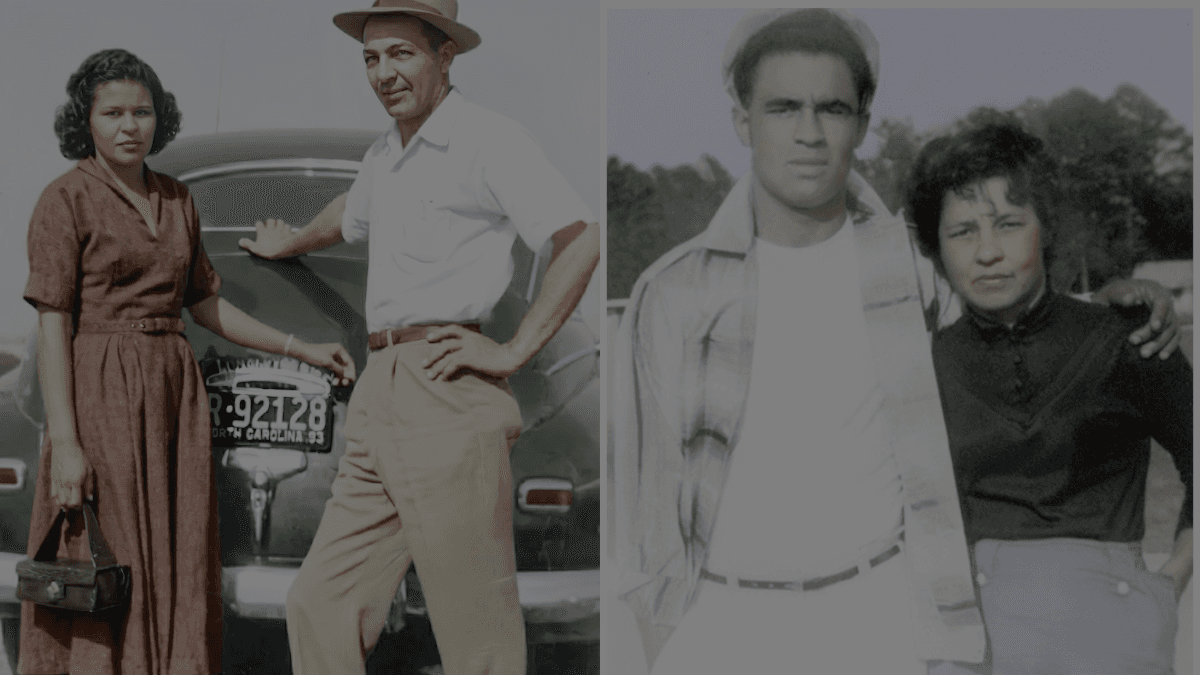
What can be fixed and what to expect: tears, fading, scratches, creases, water damage — and what’s not possible.
> what can be fixed + what to expect
Old photos don't just fade. They crease, tear, stain, blur, and sometimes get stored in places they shouldn't.
The good news: a lot can be restored.
The honest news: not everything can be made "perfect."
Here's what's realistic.
---
WHAT WE CAN FIX_
TEARS + RIPS_
• rebuild missing edges
• reconnect split areas
• reduce hard fold lines
FADING + DISCOLORATION_
• restore contrast
• correct color shifts (yellowing, red fade, gray wash)
• bring back detail in faces and clothing (when it's still there)
SCRATCHES + DUST + SPOTS_
• remove small marks
• clean heavy speckling
• repair scan artifacts
CREASES + BENDS_
• flatten the look (digitally)
• reduce deep fold shadows
• repair "broken" areas across the fold
WATER DAMAGE_
• reduce stains
• rebuild missing areas (sometimes)
• improve overall clarity
---
WHAT'S HARD (OR NOT POSSIBLE)_
HEAVY BLUR_
If the face is fully blurred, we can improve it…
but we can't "invent" details that aren't there without guessing.
MISSING LARGE SECTIONS_
Small missing areas are manageable.
Large missing sections become reconstruction, not restoration.
TINY / LOW-QUALITY ORIGINALS_
If the original is small, compressed, or extremely low resolution, results will be limited.
---
WHAT TO EXPECT_
STEP 1: YOU SEND THE PHOTO_
A scan is best. A clean phone photo can still work.
STEP 2: WE REVIEW IT_
We'll tell you what's possible and what's not.
No surprises after the fact.
STEP 3: RESTORATION_
You'll get a cleaned, restored digital version.
(Optionally: print-ready sizes.)
---
BEST RESULTS START WITH A GOOD SCAN_
If you can scan it:
• 600 DPI is ideal for most prints
• don't use heavy "auto-enhance" filters first
If you can't scan:
• take the photo in bright, even light
• hold the phone straight over it
• avoid glare
> UPLOAD_A_PHOTO_FOR_REVIEW_ → /contact
> GET_A_RESTORATION_QUOTE_ → /contact