Technology_
WEBSITE DOWN TRIAGE_
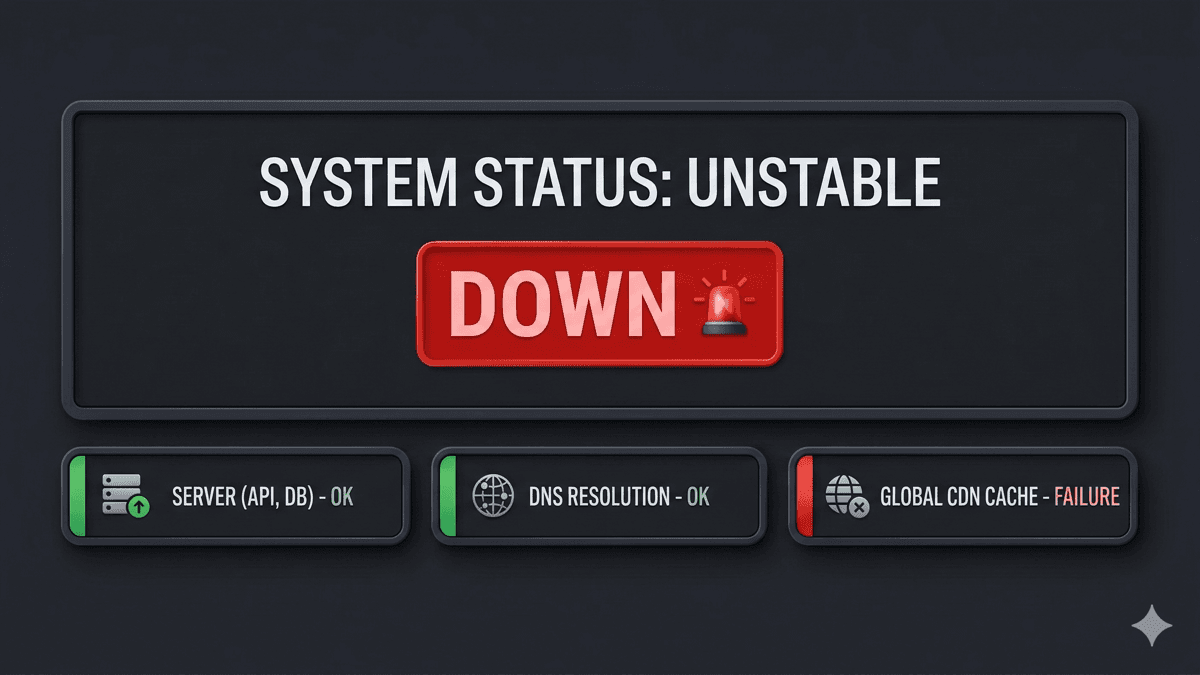
Quick checklist before it becomes a bigger problem — confirm it’s not just you, check common causes, what not to do.
> quick checklist before it becomes a bigger problem
If your website is down, you need to figure out what kind of down.
There's a big difference between:
• your internet being weird
• DNS issues
• hosting outage
• a broken update
• an expired domain
Here's a quick triage.
---
STEP 1_
CONFIRM IT'S NOT JUST YOU_
• open the site on your phone (cell data, not Wi-Fi)
• try another browser
• ask someone else to check from a different location
If only you can't load it, it may be local (browser cache, network, DNS).
---
STEP 2_
CHECK FOR THE MOST COMMON CAUSES_
1) DOMAIN EXPIRED_
• domain renewals fail more often than people think
• especially if the billing email is old
2) HOSTING OUTAGE_
• even good hosts go down occasionally
• check host status page (if available)
3) DNS ISSUE_
• DNS changes can take time
• or records can get edited accidentally
4) SSL / CERT ERROR_
• certificate expired
• redirect loop (http/https)
• mixed content problems
5) SITE BROKE AFTER AN UPDATE_
• common with WordPress plugins/themes
• also common when PHP versions change
---
STEP 3_
WHAT YOU SHOULD NOT DO_
• don't delete plugins "randomly"
• don't point DNS somewhere else unless you know why
• don't pay a "domain renewal" invoice from an email you didn't request
---
STEP 4_
WHAT HELPS US FIX IT FAST_
If you contact us, send:
• your domain name
• who hosts it (if you know)
• what you see (screenshot of the error)
• whether anything changed recently (updates, DNS edits, renewals)
That usually cuts troubleshooting time in half.
> REQUEST_A_DIAGNOSTIC_ → /contact
> CHECK_DOMAIN_AND_HOSTING_ → /services/cloud-hosting-email