Technology_
WEBSITE LAUNCH KIT_
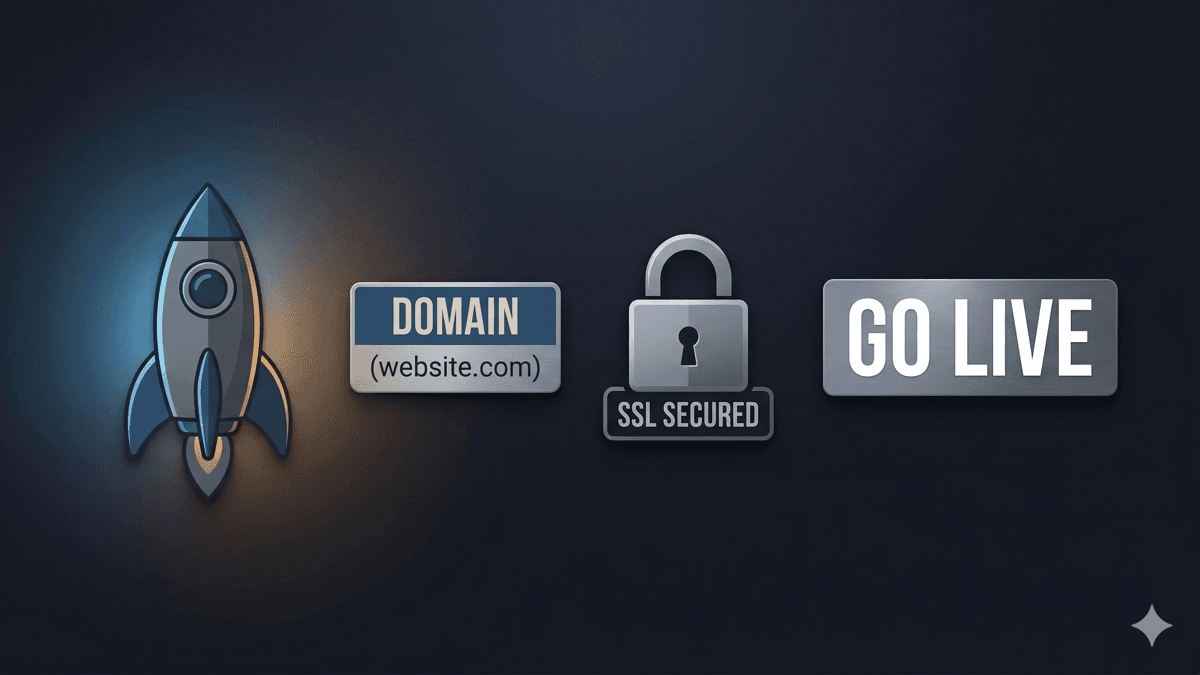
Domain, hosting, SSL, backups — the checklist so launch day doesn’t turn into a recovery project.
> domain / hosting / SSL / backups
Launching a website isn't just "pick a design and hit publish."
The problems usually happen after launch:
• email breaks
• domain access is missing
• SSL is misconfigured
• backups don't exist until it's too late
Here's the clean checklist.
---
DOMAIN_
Your domain is the keys to the building.
Make sure:
• you own it (in your name/org, not a random developer account)
• you have access to the registrar login
• auto-renew is enabled
• the contact email is an inbox you control
Common issue: the domain is owned by someone who is no longer involved.
That turns simple changes into a recovery project.
---
HOSTING_
Hosting is where the site lives.
Choose hosting that includes:
• good performance (speed matters)
• security basics
• uptime monitoring
• support you can actually reach
Cheap hosting can work, but it often means:
• slow sites
• frequent downtime
• weak backups
• messy support
---
SSL_
SSL is what gives you https.
No SSL = warnings, lost trust, and sometimes broken forms.
Make sure:
• https is forced site-wide
• redirects are correct (http → https)
• the certificate auto-renews
---
BACKUPS_
Backups are not optional.
Also: sync is not backup.
A real backup plan includes:
• automatic daily backups
• off-site storage (not only on the server)
• a tested restore process
• a clear retention window (30–90 days)
---
THE "WE'RE LIVE" CHECK_
Before you call it launched:
• forms send to the correct inbox
• mobile layout works on real phones
• pages load fast
• Google indexing is set up
• analytics is installed (if you use it)
• admin logins are documented and stored safely
> LAUNCH_MY_SITE_CORRECTLY_ → /contact
> CHECK_MY_DOMAIN_ACCESS_ → /services/cloud-hosting-email